

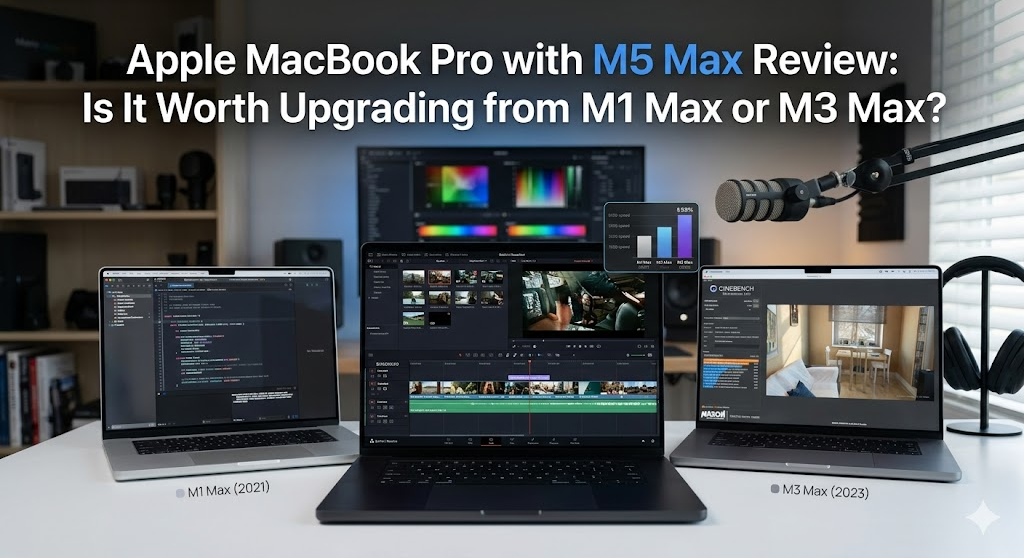
The Apple MacBook Pro with M5 Max is poised to redefine what power users and professionals expect from a laptop in 2026. Designed for creators, developers, and power users who demand peak performance, this latest iteration of the MacBook Pro promises significant enhancements over its predecessors, the M1 Max and M3 Max. But does it deliver on that promise? And more importantly, is it worth the upgrade?
Apple's new MacBook Pro with M5 Max targets individuals seeking unrivaled speed and efficiency. It’s powerful enough to handle intricate video editing, 3D rendering, and extensive coding projects with ease. This model is Apple’s answer to the increasing demands of technology in an always-evolving digital landscape.
The M5 Max aims to solve problems of speed and battery efficiency, essential factors for those who need a high-performance machine on the go. Users can expect faster processing times, improved graphics performance, and longer battery life, making their workflows smoother and more productive.
- Enhanced processing power and speed
- Superior graphics and display capability
- Longer battery life for extended usage
- Cutting-edge design and build quality
Table of contents
- Overview & first impressions
- Key features
- Specs at a glance
- Pros and cons
- Who should buy it — who should skip
- Tips, settings, and accessories
- Alternatives
- FAQs
- Verdict / final recommendation
Overview & first impressions
The design of the MacBook Pro with M5 Max is classic Apple: sleek, minimalist, and aesthetically pleasing. The build quality is exceptional, crafted from aluminum for durability and elegance. What sets it apart at first glance is not just its looks, but the power underneath its hood. Out of the box, the MacBook includes the device itself, a faster 140W USB-C power adapter, and the usual documentation. The setup process remains user-friendly, typical of Apple's plug-and-play ethos, with macOS offering a streamlined introduction to its new features.
Key features
Revolutionary M5 Max Chip
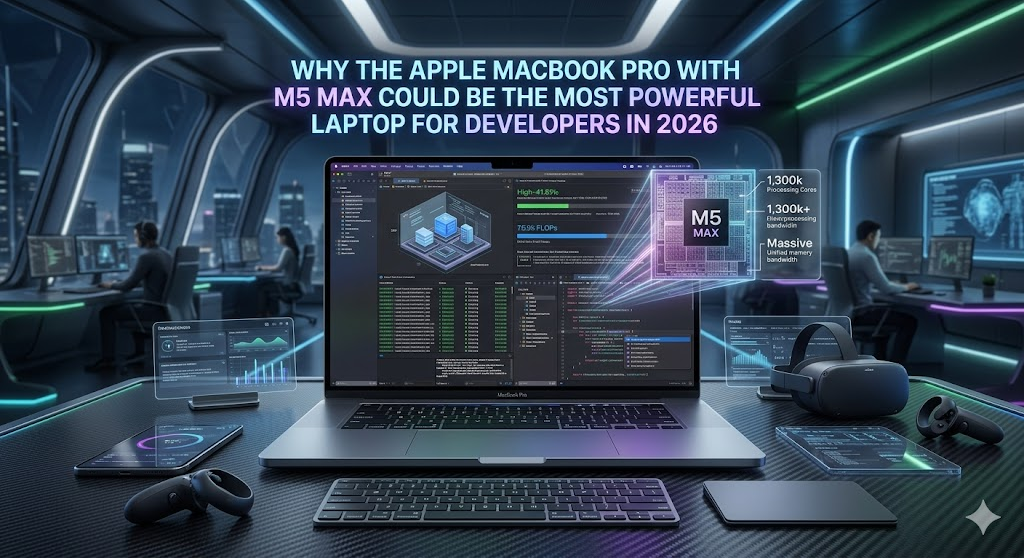
The heart of this MacBook Pro is its M5 Max chip, which delivers unprecedented speed and efficiency. It boasts more CPU and GPU cores than its predecessors, promising a new benchmark in multitasking and graphics performance. The architecture of the M5 Max is optimized for machine learning, making it ideal for tech innovators.
Stunning Liquid Retina XDR Display
The display is a marvel, with the Liquid Retina XDR capable of delivering HDR content at its finest. The colors are vivid, and the brightness is superior, which greatly benefits video editors and graphic designers who demand precision in color grading.
Enhanced Battery Life
One of the standout features of the MacBook Pro with M5 Max is its battery life, lasting up to 22 hours on a full charge. This is a game-changer for professionals who need to work throughout the day without worrying about finding a power outlet.
Advanced Thermal System
The advanced thermal design ensures that the MacBook operates quietly and efficiently, even during intense tasks. This allows users to maintain performance without overheating issues, a significant improvement over previous models.
Specs at a glance
| Feature | Specification |
|---|---|
| CPU | 16-core |
| GPU | 40-core |
| Display | 16.2 inches Liquid Retina XDR |
| Battery Life | Up to 22 hours |
| Weight | 4.7 pounds |
Pros and cons
- Significant performance improvements with the M5 Max chip
- Superb display suitable for color-critical work
- Long-lasting battery life
- Exceptional build quality
- Premium price
- Lack of USB-A ports may require adapters
- High demand may lead to limited availability initially
Who should buy it — who should skip
Considering upgrading to the MacBook Pro with M5 Max? Here's who should go for it:
- Professionals in graphic design, video editing, and software development
- Tech enthusiasts needing the latest and greatest technology
- Content creators seeking superior performance and display quality
However, it might not be for everyone:
- Casual users with basic computing needs
- Those on a tight budget who are satisfied with a current-gen laptop
- Users who prioritize legacy ports over performance
Tips, settings, and accessories
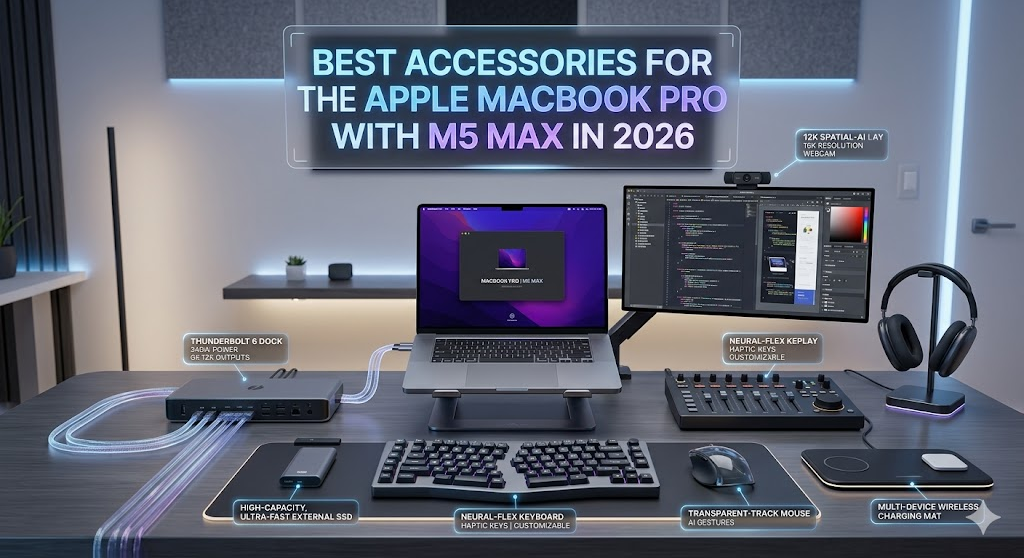
To fully utilize the capabilities of the MacBook Pro with M5 Max, consider setting up efficiently with System Preferences to tailor performance settings according to your workload. Using compatible accessories like the Apple Magic Mouse and the LG UltraFine 5K Display can enhance productivity. Additionally, for expanded connectivity, the CalDigit TS3 Plus Thunderbolt 3 Dock is an excellent choice.
Alternatives
If the MacBook Pro with M5 Max seems out of reach, the MacBook Pro with M3 Max still offers excellent performance with a reduced price tag, making it a strong contender for cost-conscious clients. Another alternative is the Dell XPS 17, known for its powerful processing capabilities and a high-resolution display specially tailored for Windows users.
FAQs
What makes the M5 Max chip different from the M1 Max and M3 Max?
The M5 Max features more advanced CPU and GPU cores, offering faster computational and graphical performance, along with better energy efficiency.
Does the MacBook Pro with M5 Max support more RAM?
Yes, the M5 Max model supports up to 64GB of RAM, catering to professionals needing substantial memory for demanding tasks.
Is the operating system the same as in previous MacBooks?
Yes, it runs on the latest macOS, which offers new features and updates tailored for the M5 Max's advanced capabilities.
Will my existing apps work on the M5 Max?
Most apps will work seamlessly. However, always ensure they are updated to the latest version to take full advantage of the M5 Max's power.
How does the display compare to other laptops?
The Liquid Retina XDR is among the best in class, offering superior brightness and color accuracy compared to many other high-end laptops.
What are the connectivity options?
The MacBook Pro features Thunderbolt 4 ports, a MagSafe 3 charging port, and an SDXC card slot, but lacks USB-A ports.
Verdict / final recommendation
The Apple MacBook Pro with M5 Max stands as a pinnacle of laptop engineering, ideally crafted for pro users demanding the utmost in performance and efficiency. If you're a creative professional or a tech enthusiast looking for maximum power, this model is a must-buy. However, if your current laptop meets your needs, or if budget constraints are a concern, you might consider the M3 Max model or wait for future developments that might offer a more balanced price-to-performance ratio.
Extended Use Cases
The Apple MacBook Pro with M5 Max is not only a powerhouse for typical professional tasks like video editing and coding; it's also an excellent choice for researchers and academics who require extensive computational capabilities for data analysis. Scientists working with machine learning models can quickly train and deploy complex algorithms with the M5 Max chip's advanced processing power. Additionally, financial analysts will find the MacBook Pro's capabilities beneficial when running intricate simulations and managing large datasets in spreadsheet software.
Long-Term Ownership Notes
Investing in the MacBook Pro with M5 Max can be seen as future-proofing your technology needs. Apple’s consistent track record of software support means that your MacBook will remain relevant and efficient for many years to come. The build quality ensures that wear and tear affect the device minimally if handled properly, thus maintaining its pristine condition. Battery longevity is another plus, with optimized battery management systems designed to retain up to 80% of its original capacity after numerous charge cycles.
Troubleshooting Tips
Although the MacBook Pro with M5 Max is designed to operate efficiently, users may occasionally encounter issues. Common troubleshooting steps include resetting the System Management Controller (SMC) to resolve power-related problems and using Apple Diagnostics to identify potential hardware issues. If the device runs unexpectedly slow, disk management utilities such as optimizing storage space and managing startup programs can improve performance. Apple's dedicated support forums and Genius Bar appointments are invaluable resources for resolving persistent technical issues.
Accessories to Enhance Performance
Pairing your MacBook Pro with M5 Max with the right accessories can further amplify its capabilities. High-resolution external monitors, like the Pro Display XDR, enable an even larger workspace, crucial for designers and developers who juggle multiple windows. Portable SSDs with Thunderbolt 4 support provide fast additional storage options for projects requiring large file transfers. For audio professionals, a reliable interface like the Focusrite Scarlett 2i2 can offer superior sound management. A robust, ergonomic laptop stand, such as the Rain Design mStand, can improve posture and visual comfort.
Extended FAQ Answers
How does the M5 Max handle gaming?
The M5 Max chip delivers seamless gaming experiences, handling high-end graphics with finesse. Although not a dedicated gaming laptop, it can support popular titles like Call of Duty and Fortnite at impressive settings, offering fluid frame rates and vivid graphics.
Can the M5 Max be used for VR development?
Yes, the enhanced GPU cores within the M5 Max make it an excellent platform for virtual reality development. Developers can take full advantage of its graphics capabilities to create immersive VR content, compatible with various modern VR headsets.
What battery management strategies are recommended?
To prolong battery life, consider enabling energy-saving settings, such as auto-brightness and sleep mode when idle. Using a lower screen resolution during daily tasks can also reduce overall power consumption.
Longer Verdict / Detailed Summary
The Apple MacBook Pro with M5 Max is undoubtedly one of the most capable machines ever released by Apple. It successfully bridges the gap between professional users' requirements for computational power and creative users' needs for high-quality graphics and extended battery life. If you're working across multiple demanding applications simultaneously, the M5 Max's investment is justifiable given the machine's ability to save time and increase productivity in the long run. For ultra-performance seekers in premier-tier computing, this laptop is an obvious choice. Yet, always consider your immediate workload and financial boundaries before making the leap.




No comments yet. Be the first to comment!